

Overview
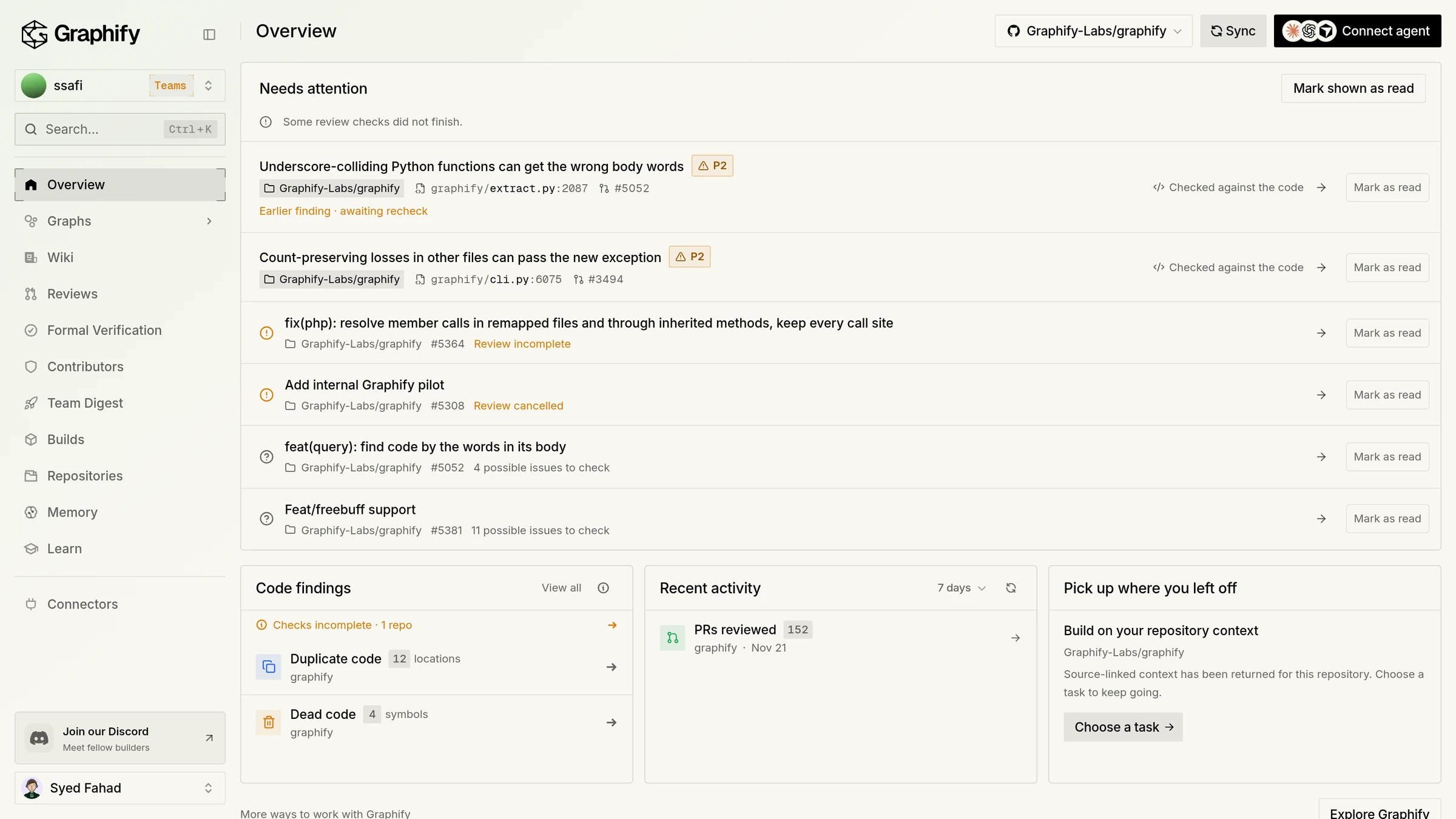
Overview is the workspace home. All repositories sets the scope. Sync refreshes the workspace. Connect agent opens the path to a coding assistant. Latest pull request shows the newest review from the last 14 days, with its verdict and attention items. When a formal verification run matches the same repository, pull request number, and head commit, the card also shows that result and links to Open review (/reviews?run=…) and Open FV run (/verifications?run=…). If there is no recent review, the card is hidden.
Code findings lists Checks incomplete, Duplicate code, and Dead code. Recent activity includes pull requests reviewed. Pick up where you left off is where a recent review or finding returns. Your indexed repositories shows a graph card for each indexed repository, with Combine graph and View all. Further down, Workspace stats covers builds, code reviews, build outcomes, and graph density.
Graphs
Graphs has two views. Single Repository opens one graph. The header picks the repository, All code areas, and Kind. The counts are Functions and files, Connections, and Context tokens saved. Search sits beside the canvas, with the most connected areas.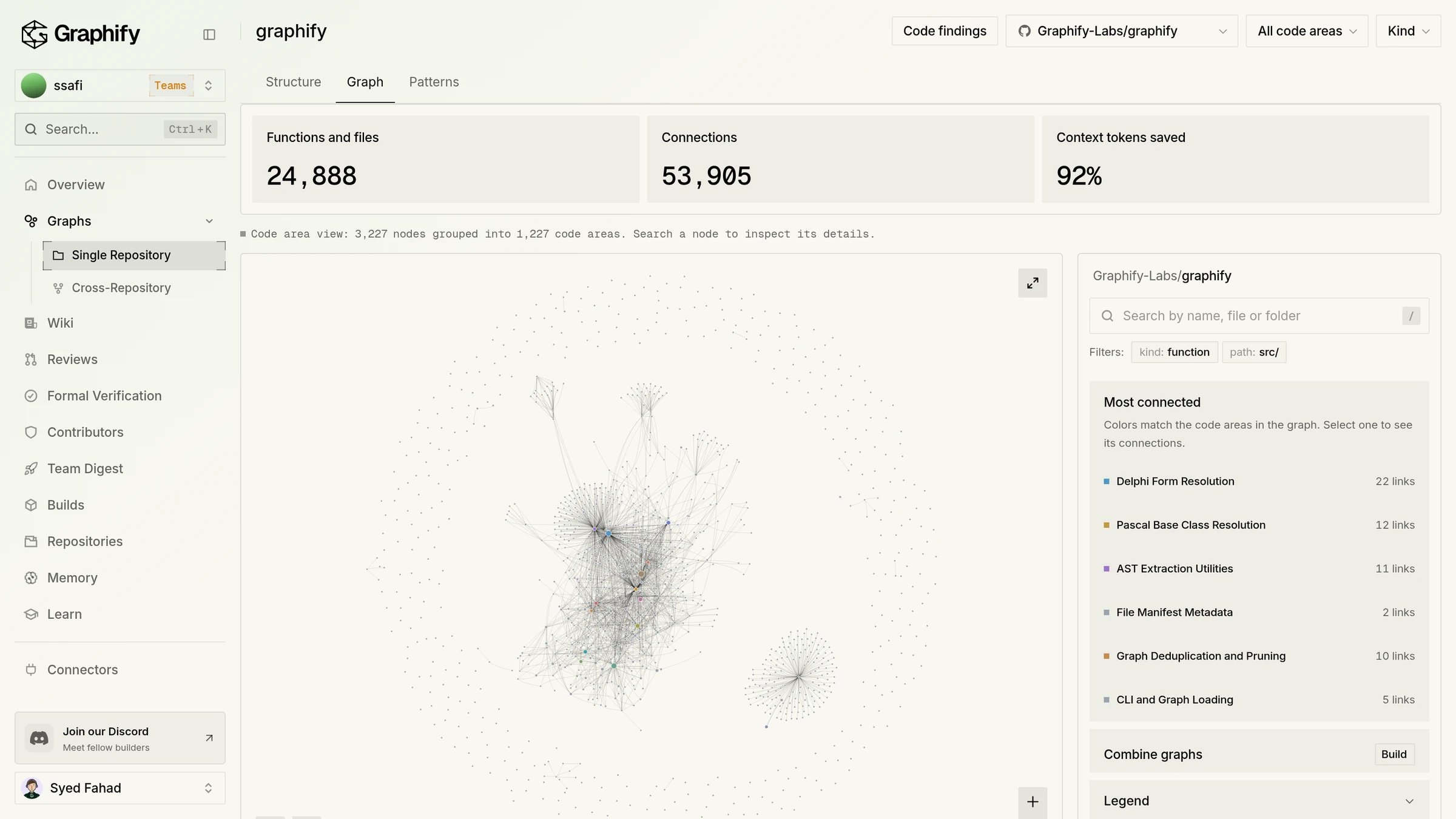
Wiki
Wiki turns an indexed repository into pages. Pick the repository, then browse Areas or use Search pages. Reading mode and Ask sit in the header. On this page follows the open article. See Wiki for indexing requirements and empty states.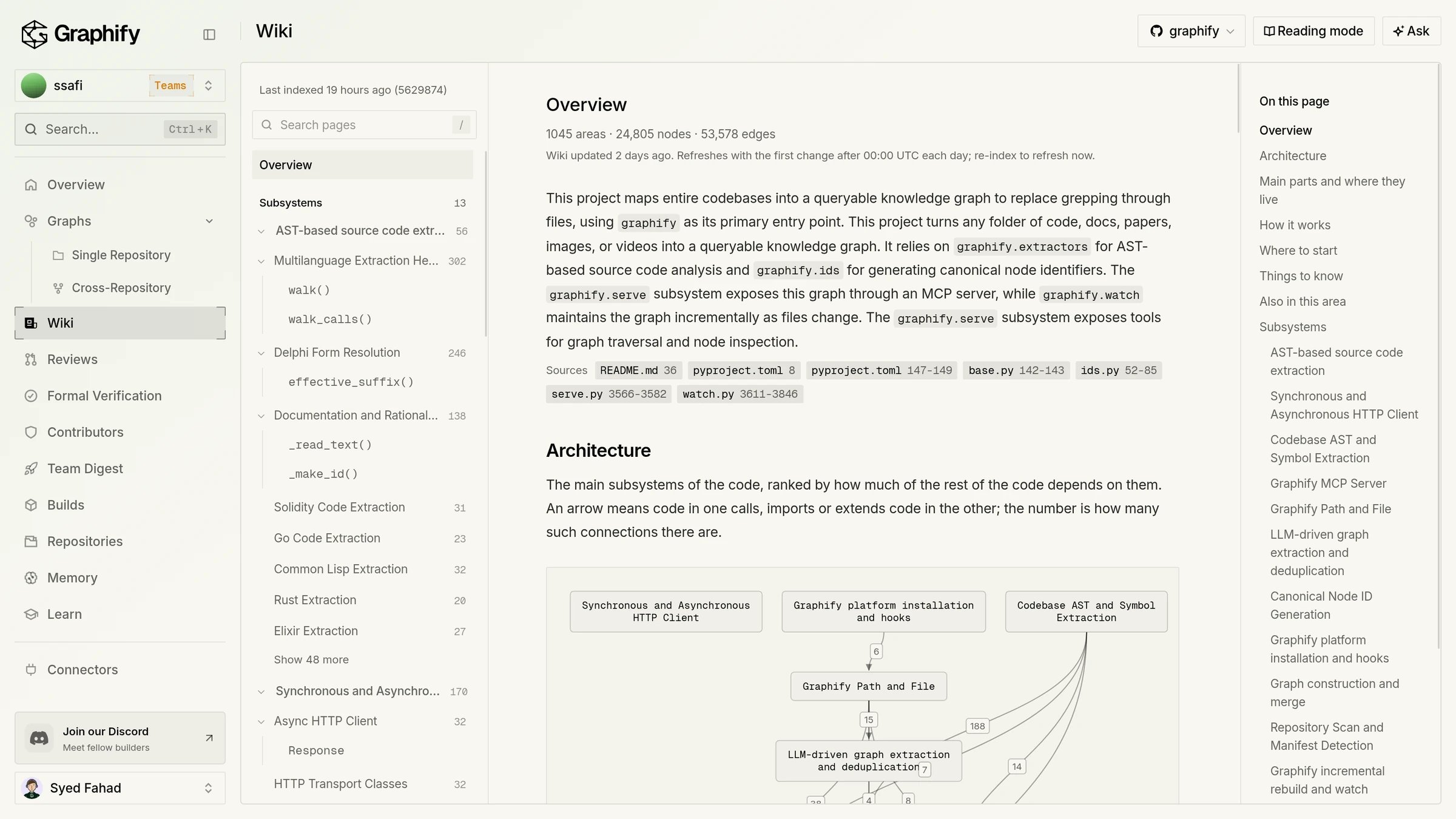
Pull request reviews
Reviews lists pull requests for the workspace. Search pull requests filters the list. All, Needs attention, and In progress are the other filters, and All repositories narrows to one repository. The list is the Latest review per PR. A row shows a state such as Review suggested, Action needed, or No blocking findings, then Reviewed and the finding count. Review opens that run. Bug counts here count confirmed bugs only. Possible issues the review couldn’t confirm have their own count, and a review with any of them stays under Needs attention. See Merge confidence score.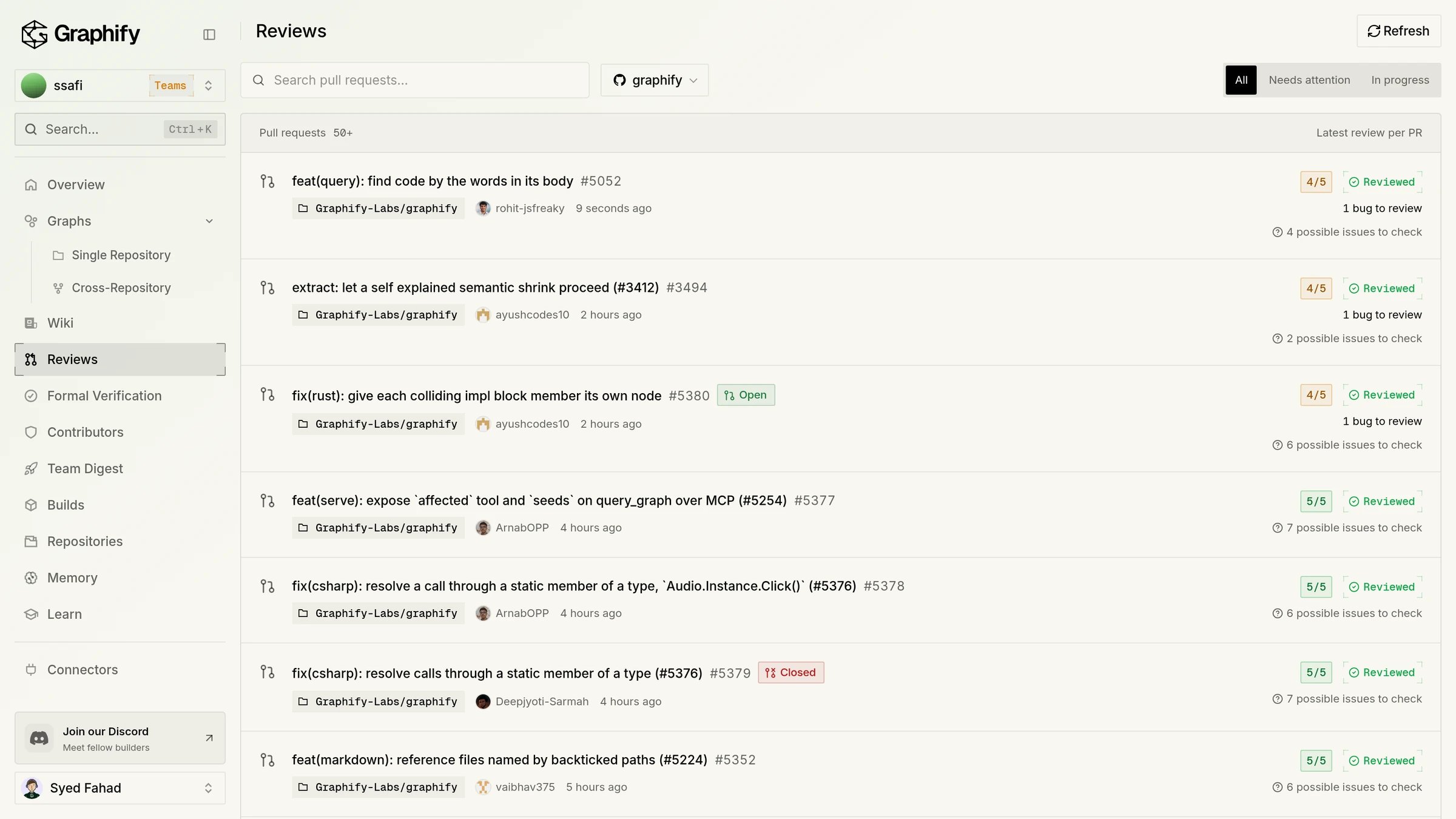
Formal verification
Formal Verification lists behavior checks. The line under the title is Check whether code changes affect behavior. How to read results opens the legend. Each row is one pull request: a short result, Completed when the check finished, and Open PR. A result can say the change was tested, not proven. Read the formal verification guide before interpreting a result.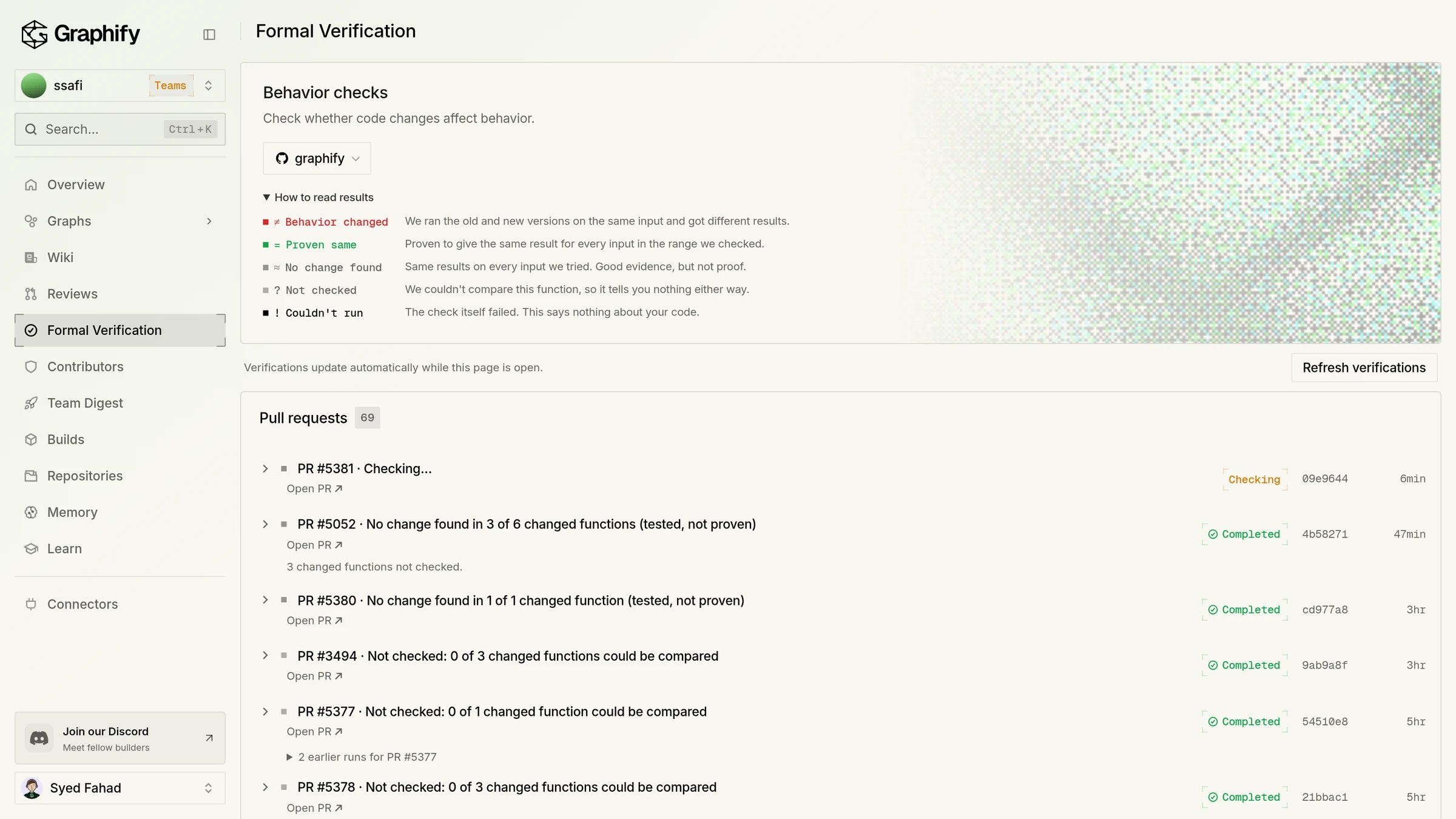
Contributors
Contributors answers who contributes to the selected repository. People to review and Contributors are the two tabs. Search by name or username filters the list. A row shows commits, how many are signed, AI, and Reach. See Contributors.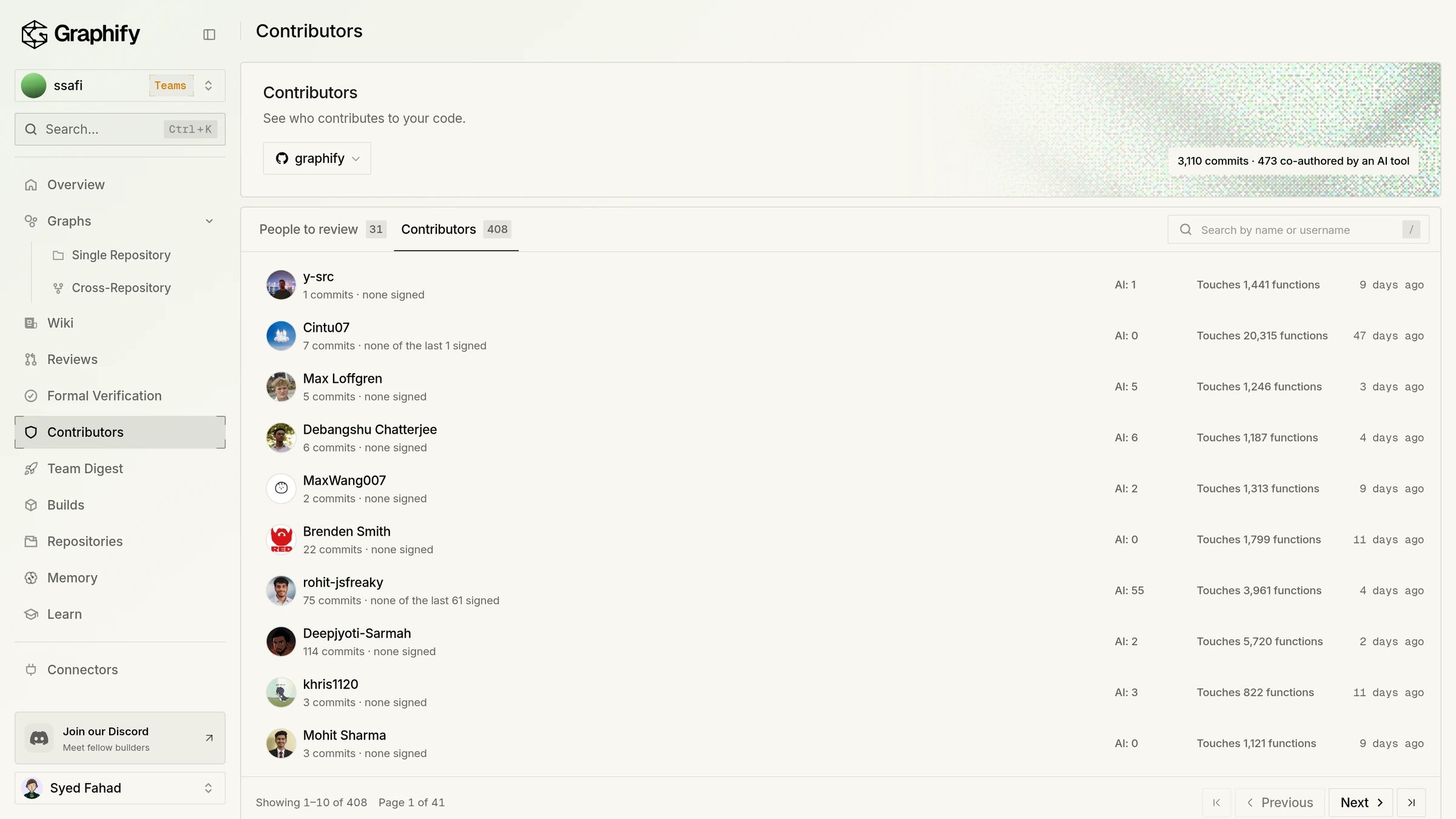
Builds
Builds is the indexing history. The heading under the title is Repository indexing. Filter by repository and by status. The summary is Total builds, Succeeded, Failed, and Nodes produced. A failed build leaves the previous graph in place. Recent builds lists each run. See Repositories and builds.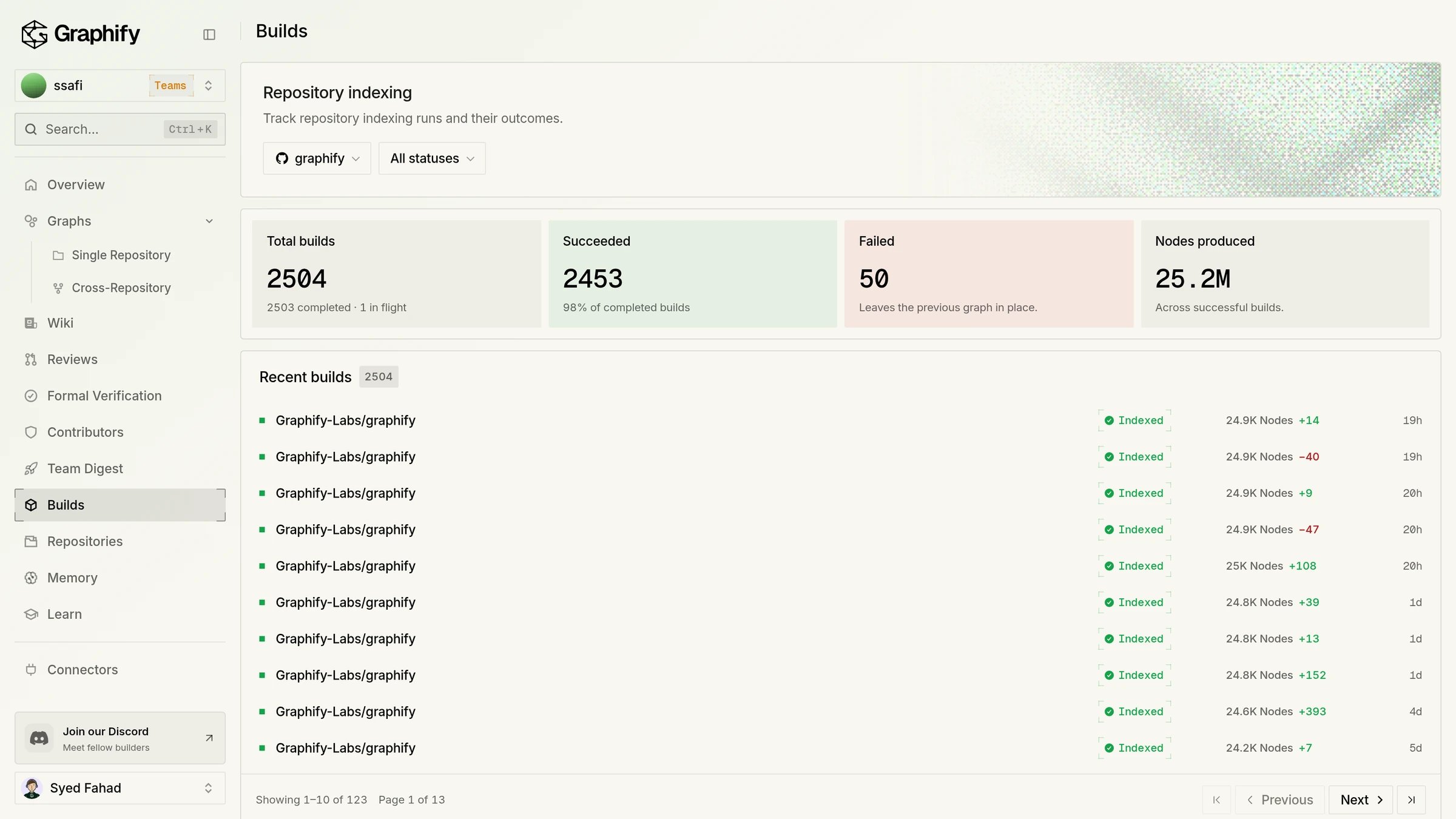
Repositories
Repositories lists code repositories and Google Drive folders. All, Code, and Drive filter that list. Search repositories and folders is on the same page, with Sync and Add GitHub repositories. A row shows a status such as Indexed or Paused. See Repositories and builds and Connect Google Drive. Builds, above, is that history for the repository you select.Memory
Memory is where the workspace keeps notes for one repository. Simple and Advanced switch the layout. Add memory saves a note. Ask and Search are the two ways in. Your agent keeps its own memory. Graphify adds shared knowledge, with no automatic syncing. See Memory.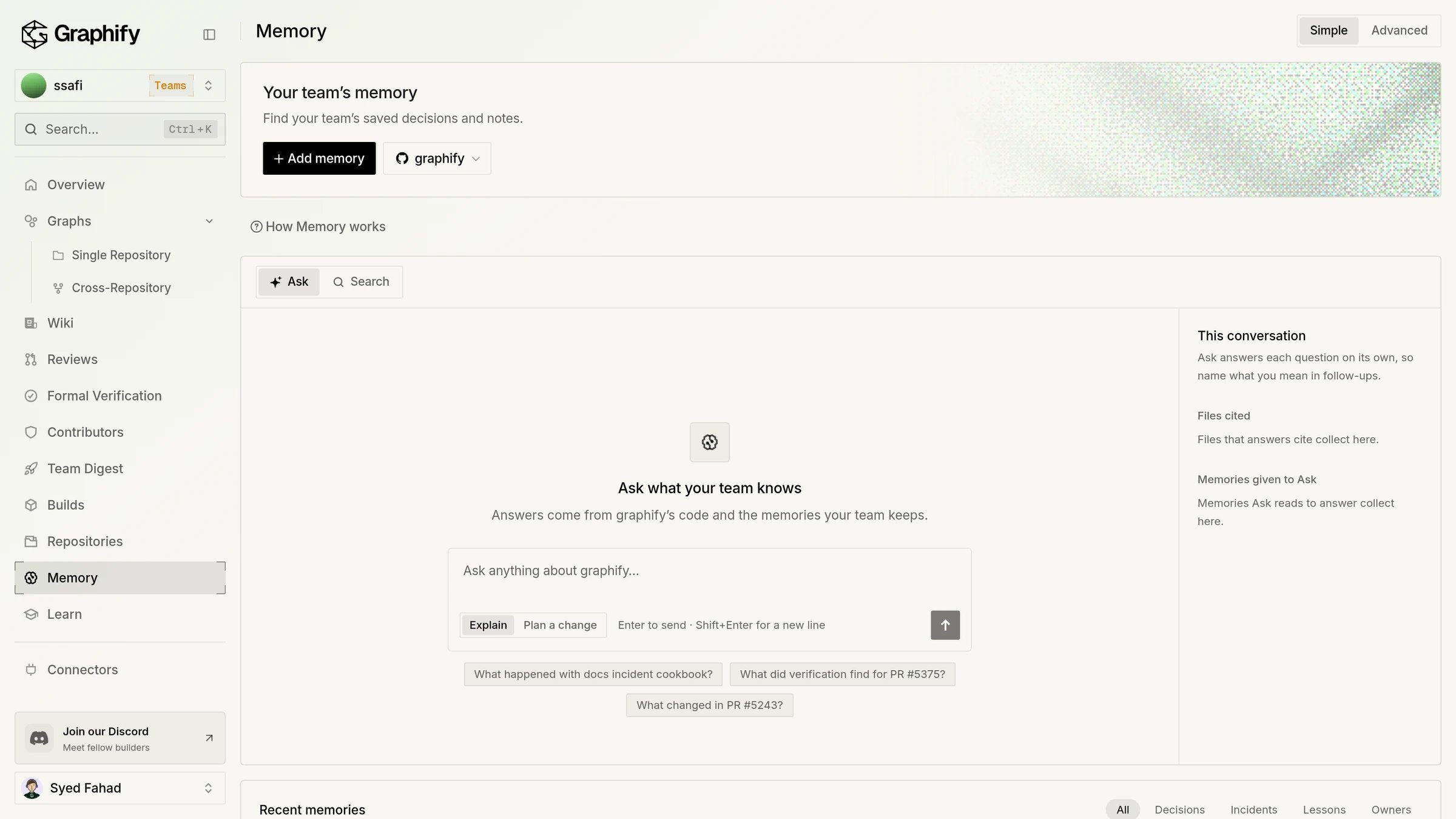
Learn
The sidebar label and the page title are Learn. The section under the title is Learning: manage feedback on code reviews, then Open reviews. The counts are Muted findings, Muted patterns, and Feedback last 30d. Learned dismissals and Suppressions are read-only. See Learning for the feedback commands.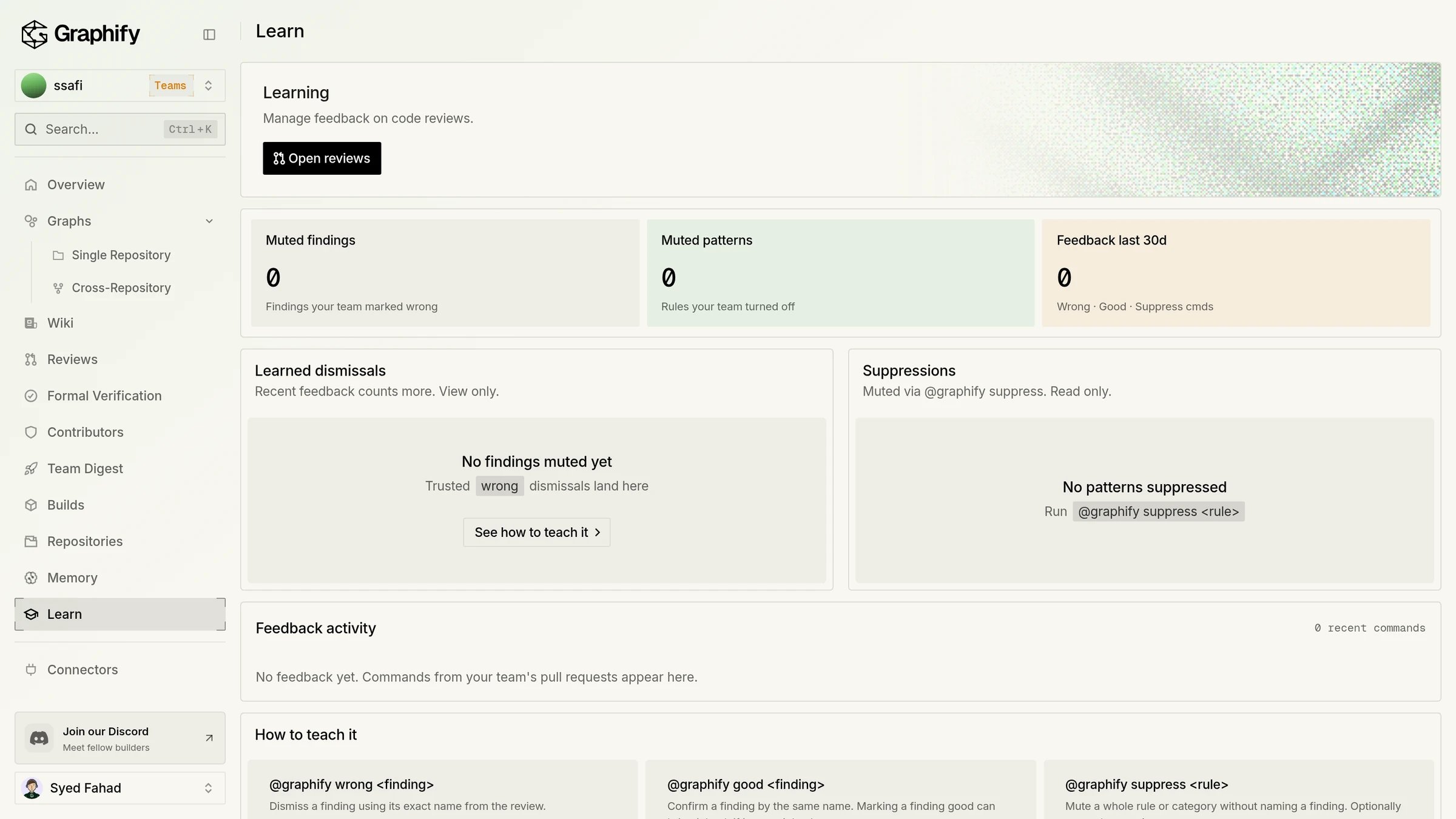
Connectors
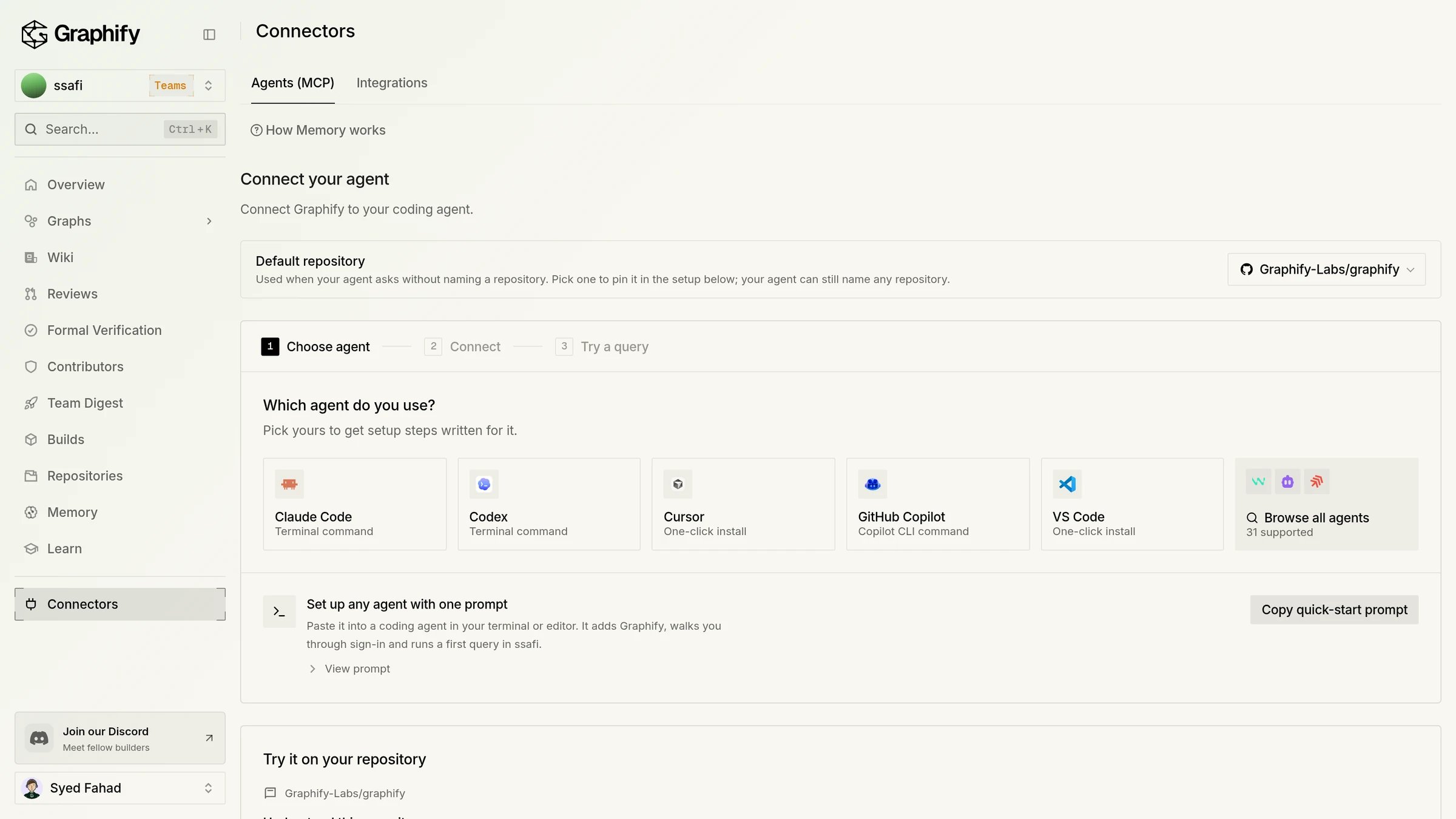
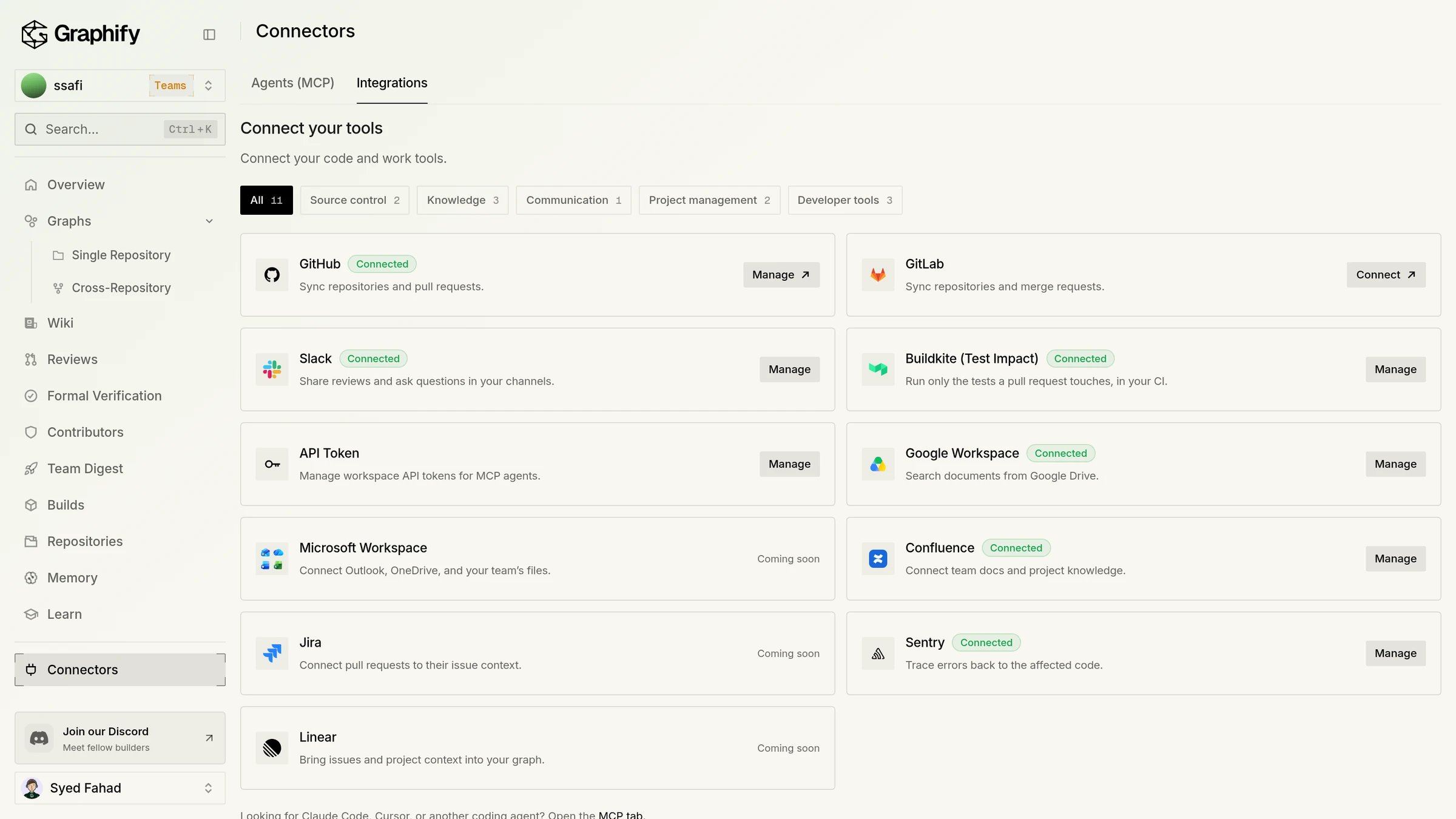
Connectors has two tabs. Agents (MCP) connects a coding agent. The steps are Choose agent, Connect, and Try a query. The agent list includes Claude Code, Codex, Cursor, GitHub Copilot, and VS Code. Default repository is the repository used when an agent does not name one. Another client uses the hosted serverhttps://api.graphify.com/mcp.
Also in the workspace
- Profile covers achievements, the last 7 days of Performance, and Power Ranking.
Three everyday jobs
Graphify gives your team and your coding agents the same context: a code graph, a Wiki, pull request reviews and Memory. Here is how the pages above help with three jobs you do every week. Each takes a few minutes, and the agent steps need an agent connected to the hosted MCP server.Onboard to a repository
New to a codebase? Read the parts that matter first, not every file.1
Open the Wiki
Open Wiki and choose the repository. Start with Overview, then read the Subsystems. Each article lists Key components and Relevant source files. If you don’t see Wiki, it isn’t turned on for your workspace.
2
Look at the graph
Open Graphs to see the most connected areas. Select a node to read its Incoming and Outgoing connections, or use Explain this code for a plain explanation.
3
Ask your agent
Ask your connected agent the questions you’d ask a teammate. The answer cites files from the indexed graph, so you can open them and check.
Agent prompt
Check what a change breaks
Know what a change reaches before you merge it, even in other repositories.1
Ask before you change code
Ask your agent what a function’s change reaches, which files are riskiest, and which tests cover them. In Graphs, What a change could affect shows the same idea on the canvas.
2
Open a pull request
Graphify reviews a pull request when it is opened, reopened, or marked ready for review. The review comment and a Graphify check run show up on the pull request. After you push a fix, comment
@graphify review for a fresh run.3
Read the review
Open Reviews to see each pull request’s state and finding count. Your agent can read the same result with the
review_status tool.4
See impact across repositories
Combine two or more repositories in Graphs > Cross-Repository. Reviews in those repositories then add a Cross-repo impact section that lists affected symbols in the other repositories.
Agent prompt
Remember an incident
The fix lands in git. The lesson should land somewhere your agents will read it.1
Record it
Open Memory, choose the repository, and switch to Advanced. Select Record an incident. Write what broke, the root cause, the fix, and the trap to avoid.
2
Link it to code
Under More options, set Effective time and add the files in Related code paths. Graphify checks them against the code graph and links the memory to that code.
3
Let agents recall it
Connected agents call
recall before they edit that code. Add a short block to AGENTS.md or CLAUDE.md so they know when to call it.Agent prompt
Next steps
Connect your agent
Add the hosted MCP at
api.graphify.com/mcp. Sign in with OAuth, no API key.Repositories and builds
Add and index repositories.
Pull request reviews
Turn on graph-aware reviews.